← Features
🕘
Audit timeline
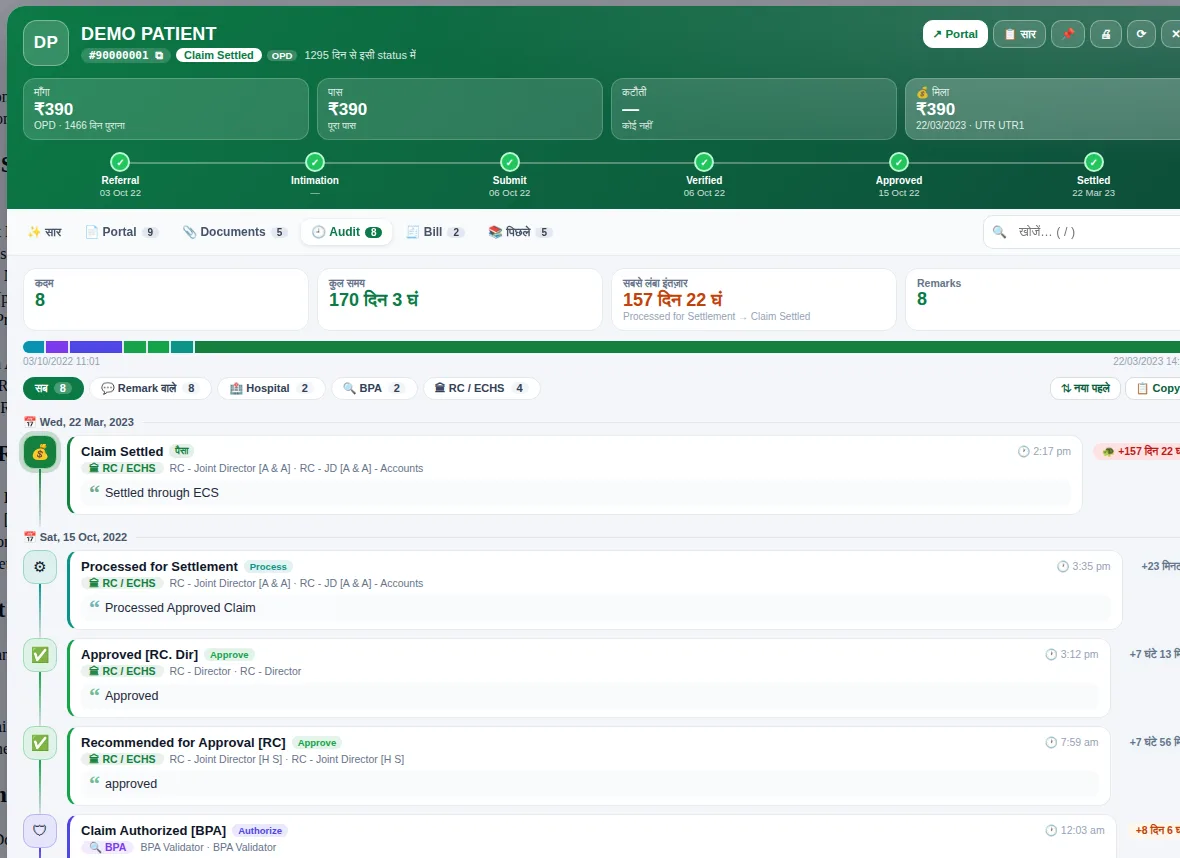
How long a claim waited at each step, who held it and where the longest delay was — at a glance.
What you get
- Every audit step with remarks and time taken
- Longest wait highlighted
- Who held the claim at each step
- Filters by stage
How to use it
- Open a claim profile
- Go to the Audit tab
- Spot the longest delay and follow up