← Features
📎
Effortless documents
Bulk upload with original file names kept, a View button in the portal’s document table, print from preview, download all as ZIP.
What you get
- Upload many files in one go — file names are never changed
- View button next to every file in the portal’s documents table
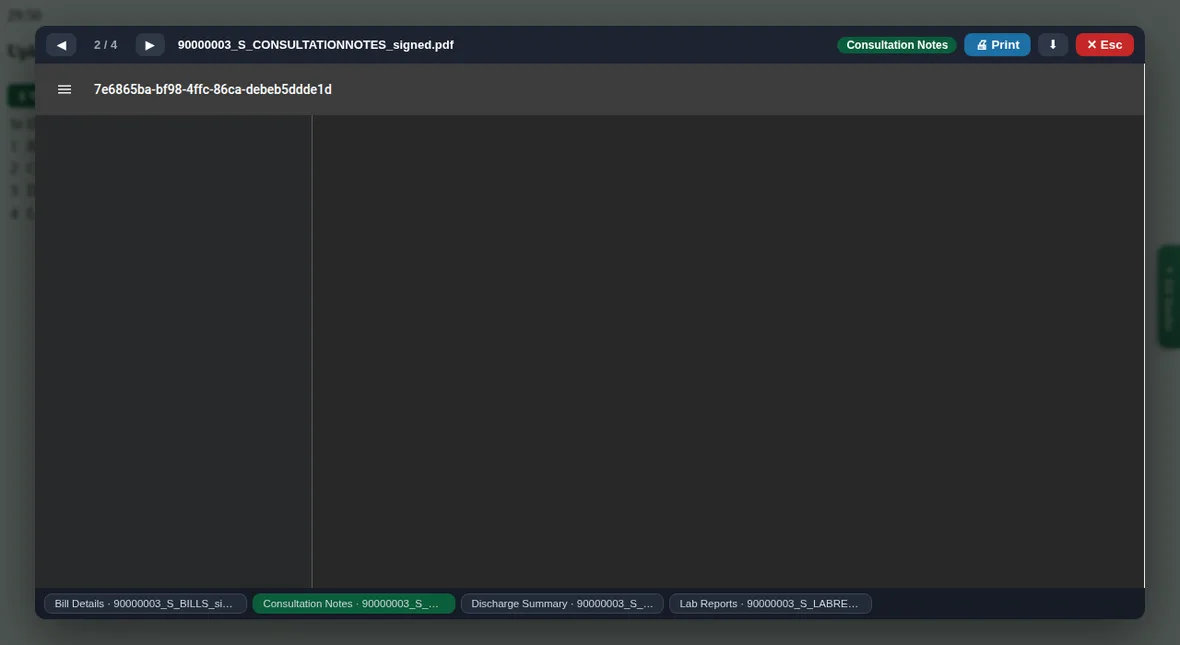
- Preview with ◀ ▶, Print and Download; close with Esc
- Download all documents of a claim as one ZIP
How to use it
- Drop files into the upload box
- Check types and signed copies
- Upload one by one automatically, or view and print any document
Related guides